Applying for a passport online saves you a trip to the queue. But online applications are strict in a different way: everything must be right from the very first file, and the portrait photo is where people stumble most.
This article walks through the steps to apply for a passport online in 2026, the documents to prepare and how to get a Vietnamese passport photo, 4×6 on a white background, to the correct specification. Always double-check procedures, fees and processing times on the Ministry of Public Security's Public Service Portal. Regulations may change.
What is an online passport application, and who should use it?
An online passport application means submitting your ordinary passport application through the online public service portal, instead of filling in a paper form at the immigration office. You enter your details, upload your portrait photo, pay the fee and track progress, all online.
It suits busy people, those already used to their electronic ID account, or anyone who wants to handle their application from home. That said, not every case can be filed online. Before you start, check the eligibility conditions for your situation on the Ministry of Public Security's Public Service Portal.
Steps to apply for a passport online in 2026
The interface and order of steps may change with each update. Here's the general flow so you know what to expect before sitting down at your computer:
- Prepare your account: usually your VNeID electronic identification account. Check on the portal which account level the procedure requires, as this is where many people get stuck right at login.
- Log in to the Ministry of Public Security's Public Service Portal and choose the appropriate ordinary passport procedure (first issue, reissue…).
- Complete the electronic form: check every detail against your ID documents to avoid a single wrong character.
- Upload your portrait photo: the file must meet the format and size limits shown on the portal, and be a recent photo. Read the technical requirements carefully before choosing your file.
- Pay the fee as instructed on the portal and choose how to receive your result.
- Track your application status, and respond promptly if the authority requests additional documents.
Fees and processing times aren't listed here as they may change. The most accurate information is always on the official portal.
Documents to prepare before applying online
Having everything ready before you log in lets you complete the form in one go, without interruptions:
- A valid ID card / citizen ID card.
- Your portrait photo as an original file, to Vietnamese passport specifications.
- Your old passport (if you're applying for a reissue).
- Documents of the legal representative when applying for a child – see the portal for the exact list.
The list of documents may vary by case. Check it against the guidance for your chosen procedure on the Ministry of Public Security's Public Service Portal.
Vietnamese passport photo specifications under TT 73/2021/TT-BCA
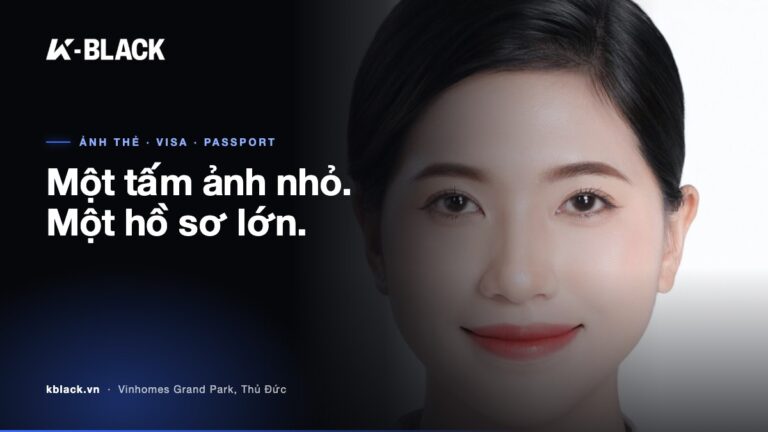
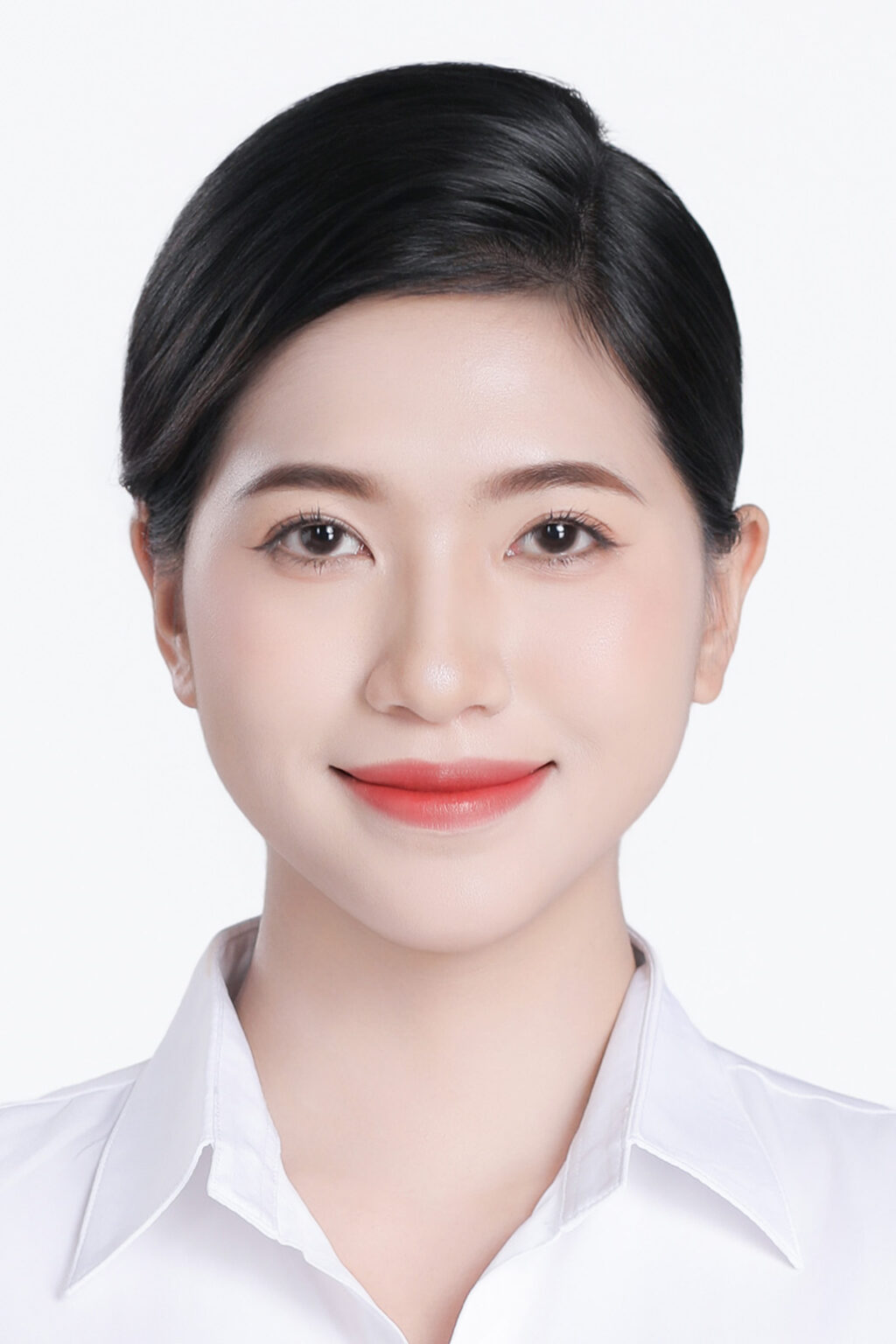
Under Circular 73/2021/TT-BCA, a Vietnamese passport photo must be 4x6cm, white background, no glasses and both ears visible. Four short conditions, but each has its own way of going wrong.
General advice for document photos: look straight into the lens, head uncovered, hair tucked neatly behind the ears, a collared top that contrasts with the white background. A white top against the background can make your shoulders “dissolve” into the backdrop.
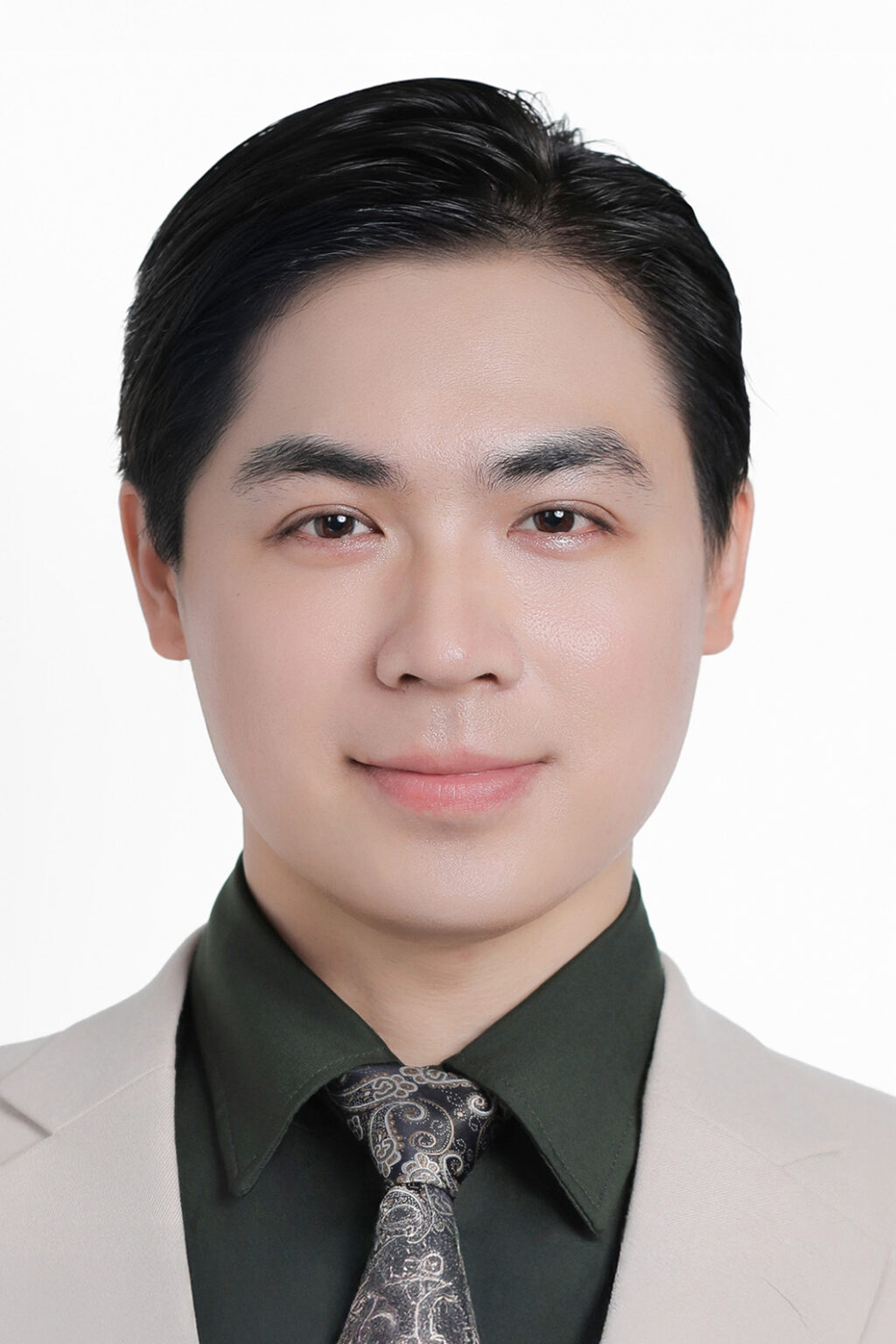
Photo mistakes that trigger requests for additional documents
- Uneven background: white turning grey, patchy colour, or marks from a home wall.
- Shadows: the head's shadow cast on the background, or nose and eye shadows from light coming from one side.
- Che tai: long fringes, loose hair covering the ears – a very common mistake for women and children.
- Wearing glasses: including rimless or clear glasses.
- Old photos: your face has changed since then, especially in children's photos.
- Scanned photos or photos of a printed photo: glare, blur, visible paper edges or photo paper texture. This mistake is specific to online applications.
- Over-compressed files: photos sent via Zalo or Messenger as a “photo” are usually reduced in quality. Get and save the original file, or send it as an attachment.
With paper applications, officers can still see the photo with their own eyes. Online, there's only the file – a weak file means a weak application. Getting the shot right the first time is always cheaper than resubmitting.
Got your passport – how do you prepare visa photos?
A passport is just step one. Each country has its own visa photo specifications, differing in size, head height and background colour. Visa photo sizes for popular countries:
- US visa: 2×2 inch (51x51mm), head 25–35mm, white background, no glasses.
- Visa Schengen: 35x45mm, head 32–36mm, white or light grey background.
- Visa Anh: 35x45mm, head 29–34mm.
- Australia visa: 35x45mm, head 32–36mm.
- South Korea visa: 3.5×4.5cm, head 2.5–3.5cm, white background.
- China visa: 33x48mm, head 28–33mm, white background.
- Japan visa: 4.5×4.5cm, per the Japanese Embassy's guidelines.
- Canada: visa/permanent residence photos submitted to IRCC are usually 35x45mm, head 31–36mm; the 50x70mm size is for Canadian passports. Depending on the application type, check the IRCC website.
Before applying, always check against the latest guidelines from the Embassy/Consulate or application centres such as VFS and KVAC. Regulations may change. See more on how K-BLACK shoots and prints instant-print visa and passport photo.
Taking your own passport photo at home: is it possible?
Yes, if you can control the lighting, background and pose. The quickest way is to have someone else take it in even natural light, then check it carefully before uploading it to the portal.
- Face a window so the light falls evenly on your face, and avoid ceiling lights shining straight down.
- Stand a little away from the background wall to reduce shadows behind you.
- Camera at eye level, no selfies – close, low angles easily distort the face.
- Use the original file from the device; don't pass it through a chat app before submitting.
- Double-check: both ears visible, no glasses, even background, no shadows.
Cropping to exactly 4x6cm is easy. Lighting, background evenness and pose can't be fixed after the shot. That's the part worth leaving to a studio.
Instant passport and visa photos at K-BLACK Studio Thu Duc
When you don't want to stake your application on a self-taken photo, visit K-BLACK Studio at M3-06 Manhattan Glory, Vinhomes Grand Park, Thu Duc City. The studio is open 8:30–17:30 daily; outside these hours, please book an appointment in advance.
K-BLACK shoots tethered: images appear instantly on a large screen, so you can review and approve the colours before paying. Spot hair covering an ear or a crooked collar, and it's fixed on the spot. See service details on the ID, passport and visa photos, or read more about document-standard ID photos in HCMC.
Reference prices
| Package | Price | Includes |
|---|---|---|
| Package K1 | 150,000 VND | Plain-background shoot, photo retouching, background colour change, digital file included |
| Package K2 | 200,000 VND | As K1 + 1 outfit provided, printed photos: 2 × 4×6, 2 × 3×4, 4 × 2×3 |
| Package K3 | 500,000 VND | Same as K2 + basic makeup and hair styling |
| A6 ID photo printing | 50,000 VND | 1 A6 sheet (10.5×14.8cm) |
Need a digital file to upload to the public service portal: the K1 package is enough. Need 4×6 prints for a paper application: the K2 package. Visa photos in special sizes: message us on Zalo for advice on print sizes.
Online passport application FAQs
What size is a Vietnamese passport photo?
Under TT 73/2021/TT-BCA, a Vietnamese passport photo is 4x6cm, on a white background, without glasses and with both ears visible.
How much does an online passport application cost?
Fees may change according to regulations. Check the current fee directly on the Ministry of Public Security's Public Service Portal when you apply.
Can I use my passport photo for a visa application?
Usually not, as each country has its own size and head height. Check the specifications with the Embassy/Consulate or application centre before applying.
Do I need to book to have photos taken at K-BLACK?
You can drop by the studio between 8:30–17:30. Outside these hours, please book an appointment in advance via Zalo 0367 277 935.
A photo that meets the standard won't make your application faster. But it removes the most common reason applications get delayed.
See ID photo prices · Book · Zalo/Phone: 0367 277 935
If we do something at all, we go beyond expectations.