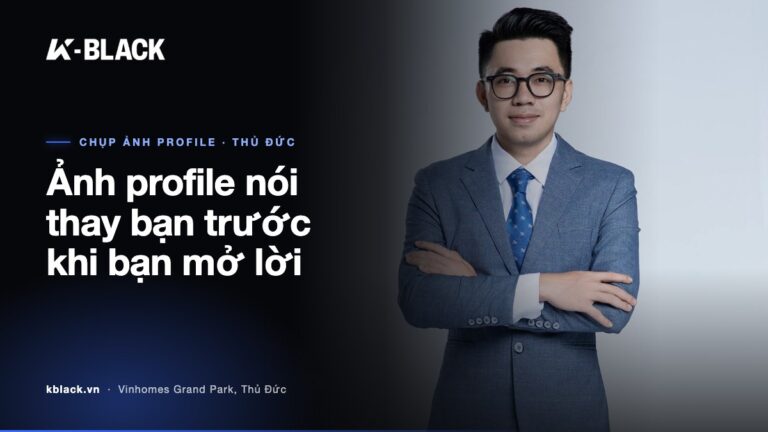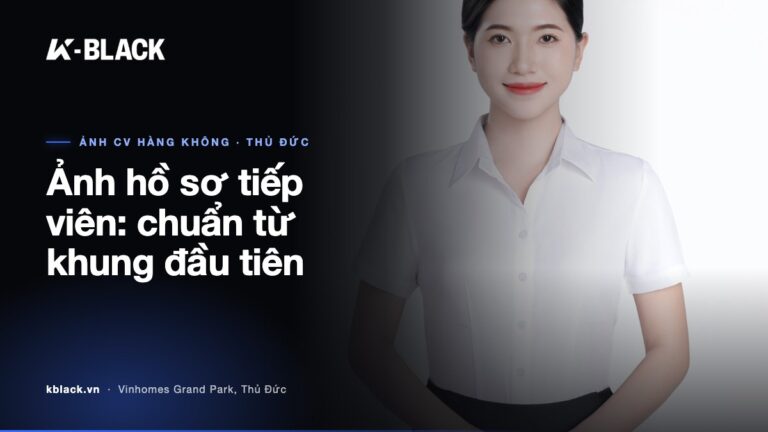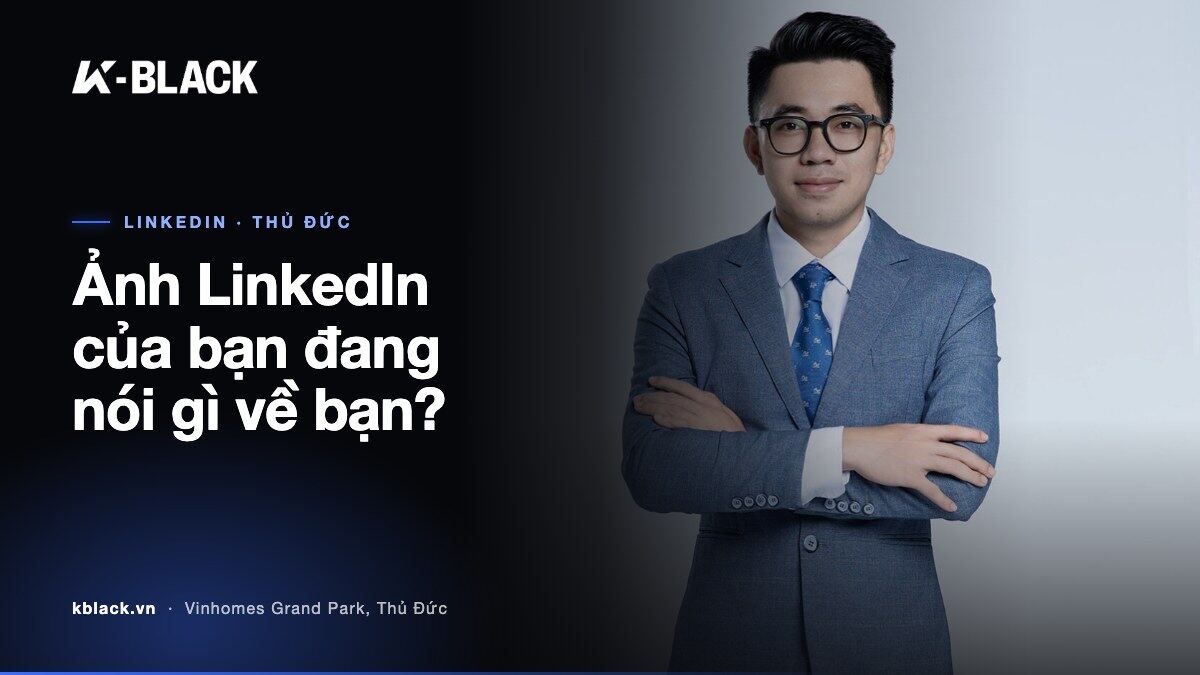
On LinkedIn, people see your face before they read your experience. A small, circular frame carries the whole first impression. That's why LinkedIn profile photography isn't a matter of “any photo will do”. It's a choice about how you want to be seen.
This article goes straight to the most common mistakes, how to fix each one, and the standards of a professional LinkedIn photo. At the end you'll find the process and pricing if you'd like to shoot at K-BLACK Studio, Vinhomes Grand Park, Thu Duc City.
Why your LinkedIn profile photo matters for your career
LinkedIn is where recruiters, partners and clients judge you before ever meeting you. They scroll fast. Your profile photo decides whether they stop or keep scrolling.
A polished photo says a lot on your behalf:
- You take your career seriously – investing in your image is investing in your work.
- You're approachable – a direct gaze and a measured smile build trust.
- You fit your profession – wardrobe and photo style match the role you're aiming for.
Conversely, a blurry, poorly lit photo or one cropped from a holiday snap can get even the strongest profile underrated at first glance.
5 common mistakes in LinkedIn profile photos
Most “not quite right” LinkedIn photos fall into a few recurring mistakes. Spotting the mistake is half the fix.
1. Using a selfie or a photo cropped from a group shot
Selfies often distort the face because of a wide-angle lens at close range. Photos cropped from parties or group shots lose sharpness and show the shoulder of the person beside you. The fix: use a photo taken specifically for the purpose, with someone else holding the camera at a suitable distance.
2. A busy background that pulls focus from your face
Living rooms, coffee shops, beaches – they all draw the viewer's eye away from the subject. The fix: choose a plain background in a neutral tone such as grey, ivory or pale blue, so your face is the only point of attention.
3. Harsh light or too little light
Direct sunlight casts shadows under the eyes and nose. Dark rooms make skin look dull and photos grainy. The fix: favour soft light coming from the front at a slight angle, bright enough to see your eyes clearly.
4. Clothing that doesn't fit your profession
A patterned T-shirt for a finance role, or a stiff suit for a creative field – both feel off-key. The fix: dress as you would to meet the most important partner in your industry.
5. A photo that's too old or over-edited
A photo from five years ago, or skin as smooth as a wax figure, both leave people you meet in person thinking you “don't look the same”. The fix: update your photo when your appearance changes noticeably, and keep edits natural – clean skin, balanced colour, your true features intact.
The right LinkedIn profile photo: composition, background, lighting, wardrobe
A proper LinkedIn profile photo doesn't need to be elaborate. It needs to get a few core points right.
Composition
- When posting to LinkedIn, crop square from head to chest so your face fills most of the circular frame.
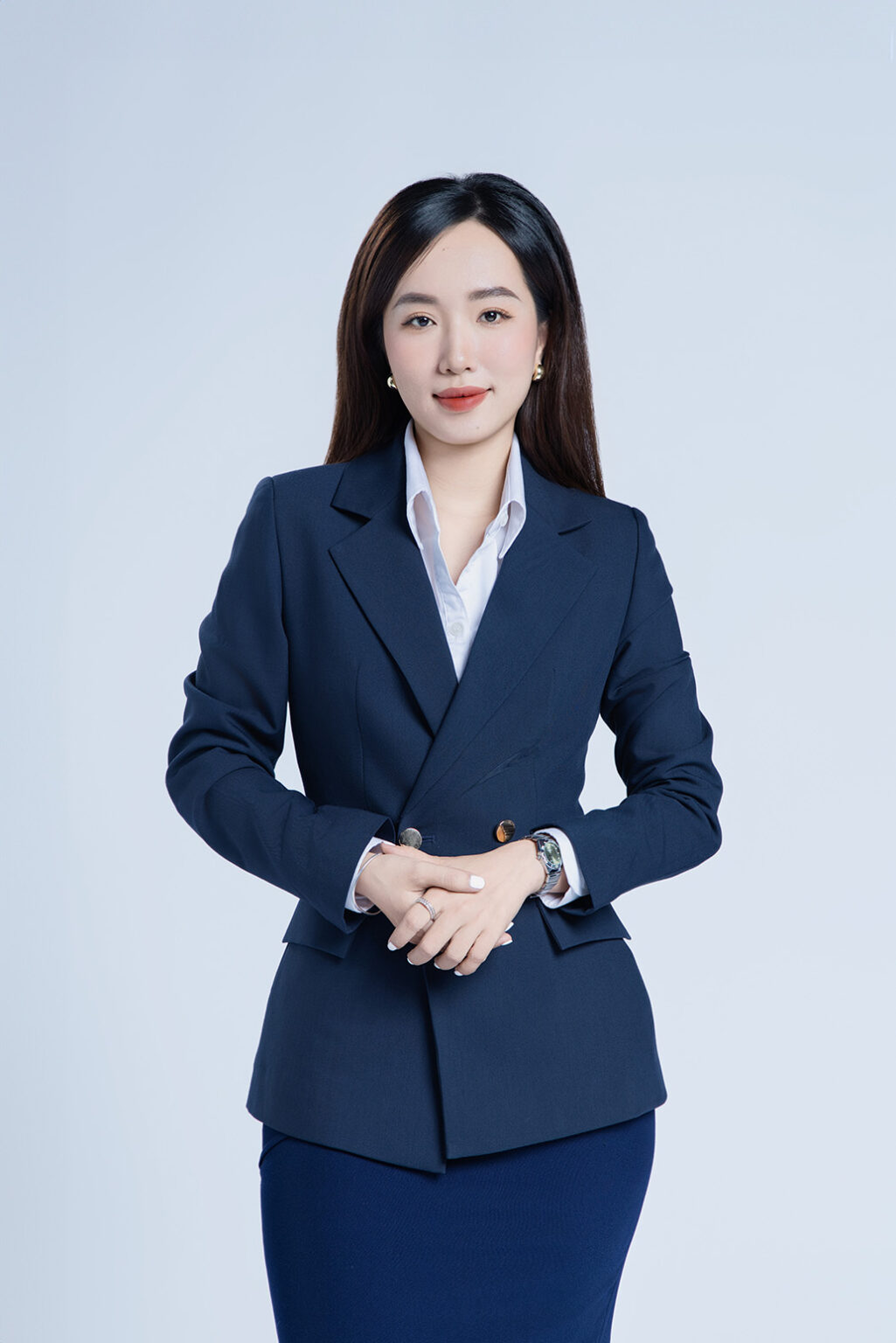
- When shooting, go wider – half-body or 3/4 body – so you can crop flexibly for LinkedIn, CVs and websites. The sample photos in this article are all framed wide like this.
- Eyes looking straight into the lens, head tilted slightly and naturally, shoulders relaxed.
Background and lighting
- A plain, single-colour background that contrasts with your clothing: dark tops on light backgrounds, light tops on grey.
- Soft, even light on the face, with a touch of depth so the face doesn't look flat.
- Natural skin tones, without yellow or blue casts.

Wardrobe and expression
- Solid colours: navy, grey, black, white – safe and elegant. Avoid small, dense patterns that create visual noise.
- Suits and blazers for finance, law and management; shirts or band-collar tops for creative and tech fields.
- A gentle smile, eyes slightly narrowed – smiling with your eyes. Too serious feels distant; too broad a smile loses professionalism.
A LinkedIn-specific checklist before posting
- Preview it in the small circle on your phone: most viewers see your photo at a very small size. If your face is still recognisable at that size, the photo works.
- Upload a square, high-resolution image: crop it square yourself before uploading to control where your face sits and stop LinkedIn cropping it off-centre.
- Match your banner image: your profile photo and cover image should share the same tone and spirit so the profile looks seamless.
If you have time, shoot a few variations: standing and seated, with and without a tie. A versatile set works for LinkedIn, your CV, the company website and capability statements alike.

Why shoot your LinkedIn photo professionally in a studio
You could ask a friend to shoot it on a phone. But the elements that make a professional LinkedIn photo – lighting, background, camera angle, posing – are hard to control all at once outside a studio.
- Controlled lighting: independent of weather or time of day.
- Clean, uniform background: true to the minimalist spirit of a profile photo.
- Someone directing your pose: most people unused to standing in front of a camera go stiff in the hands and face – you need someone looking from behind the camera to adjust.
- Retouching done right: clean skin, balanced colour, yet still you.
If you're still torn between the two options, the article outdoor or studio photography will help you compare more clearly. For LinkedIn photos, a studio is usually the easiest option to control.
The LinkedIn profile photo process at K-BLACK
K-BLACK Studio is located at M3-06 Manhattan Glory, Vinhomes Grand Park – convenient for anyone looking for LinkedIn photography in Thu Duc. A clean, clear process so you can focus on looking your most confident.
- Book: via the online booking page or message Zalo 0367 277 935. The studio is open 8:30 – 17:30 daily; outside these hours, please book in advance.
- Prepare your outfits: bring the number of outfits matching your chosen package, favouring solid colours that suit your profession.
- Makeup: the basic, advanced and premium packages include a makeup layout (the premium package includes 2 makeup layouts). For the CV Package, contact us for advice.
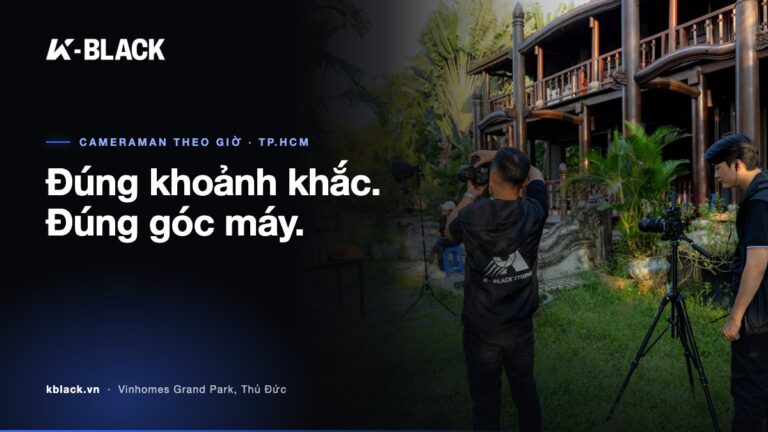
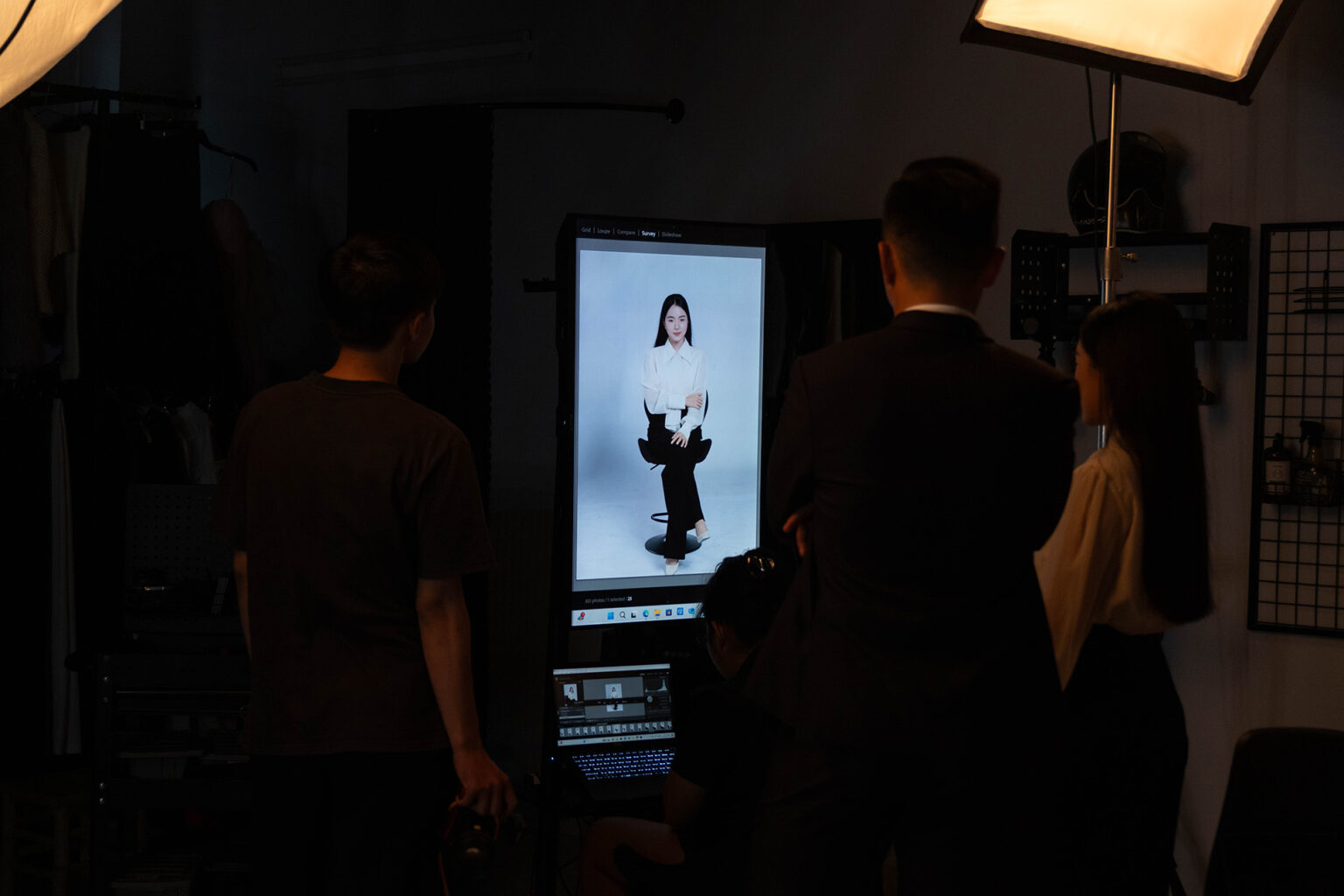
- Tethered shooting: photos appear live on a large screen the moment the shutter fires. You review, give feedback and adjust your pose on the spot.
- Colour approval before payment: you review and approve the colour right on screen, and only pay once you are happy.
Details of each package and real photos are on the personal profile photography service page.
Reference prices
| Package | Price | Includes |
|---|---|---|
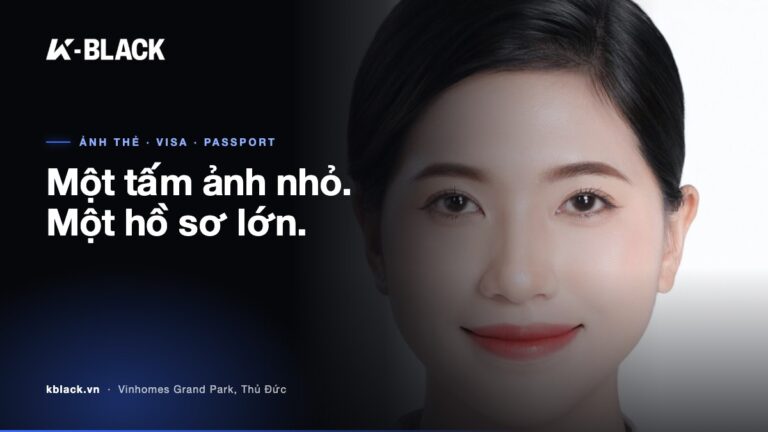
| CV package | 300,000 VND | CV photos, job applications, LinkedIn profile pictures · Options: extra retouching 50,000 VND · outfit rental 50,000 VND |
| Basic package | 1,500,000 VND | 1 layout · 1 hour of shooting · 1 outfit · 1 makeup look · 10 retouched photos |
| Advanced package | 2,000,000 VND | 2 layouts · 1.5 hours of shooting · 2 outfits · 1 makeup look · 15 retouched photos |
| Premium package | 3,000,000 VND | 2 layouts · 2 hours of shooting · 3 outfits · 2 makeup looks · 20 retouched photos |
Need photos for a whole department or team? See also the team and corporate profile photography service for a consistent photo set across the whole company.
FAQ
Which package should I choose for LinkedIn photos?
Need 1 profile picture for LinkedIn or your CV: CV Package 300,000 VND. Need photos with makeup and more choices: the basic package. Need a set for your CV, website and capability statements with multiple variations – standing and seated, formal and relaxed: the advanced or premium package.
What should I wear for a LinkedIn profile photo?
Favour solid colours such as navy, grey, black and white that suit your industry's style. Avoid busy patterns, large logos and wrinkled clothing. If you choose the CV Package and don't have a suit, you can rent an outfit for 50,000 VND.
Do I need to do my own makeup before coming?
Not for the basic, advanced and premium packages – they include a makeup layout. Just arrive with a clean face and neatly washed, dried hair. For the CV Package, message us on Zalo for advice before the shoot.
Can I see the photos before paying?
Yes. K-BLACK shoots tethered; photos appear on a large screen as they're taken, and you approve colour before payment.
At K-BLACK, every profile shoot – even a single LinkedIn photo – follows the same standard:
If we do something at all, we go beyond expectations.
Your profile photo works for you every day on LinkedIn. Let it do the job well. Book a LinkedIn profile shoot at K-BLACK or message Zalo 0367 277 935 for advice on the right package.