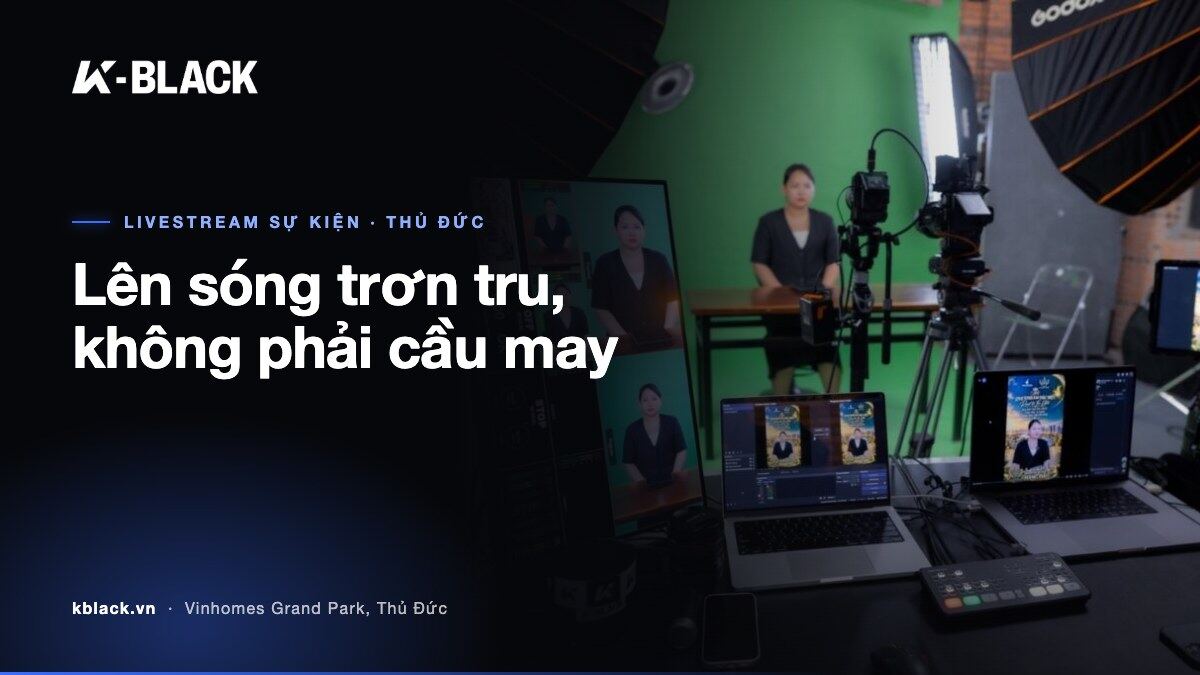
A live broadcast gets one chance. No rewind button, no second cut. Shaky footage, crackling audio or a spotty connection are seen by your audience instantly – and remembered longer than the message you meant to deliver.
When your brand's reputation is on air live, improvising is a gamble. This article is an event livestream preparation checklist across 7 days: what to do first, what technical standards your setup must meet, which mistakes are common, and when to hand everything over to a full-service livestream crew.
Full-service livestream: what the crew handles, what you handle
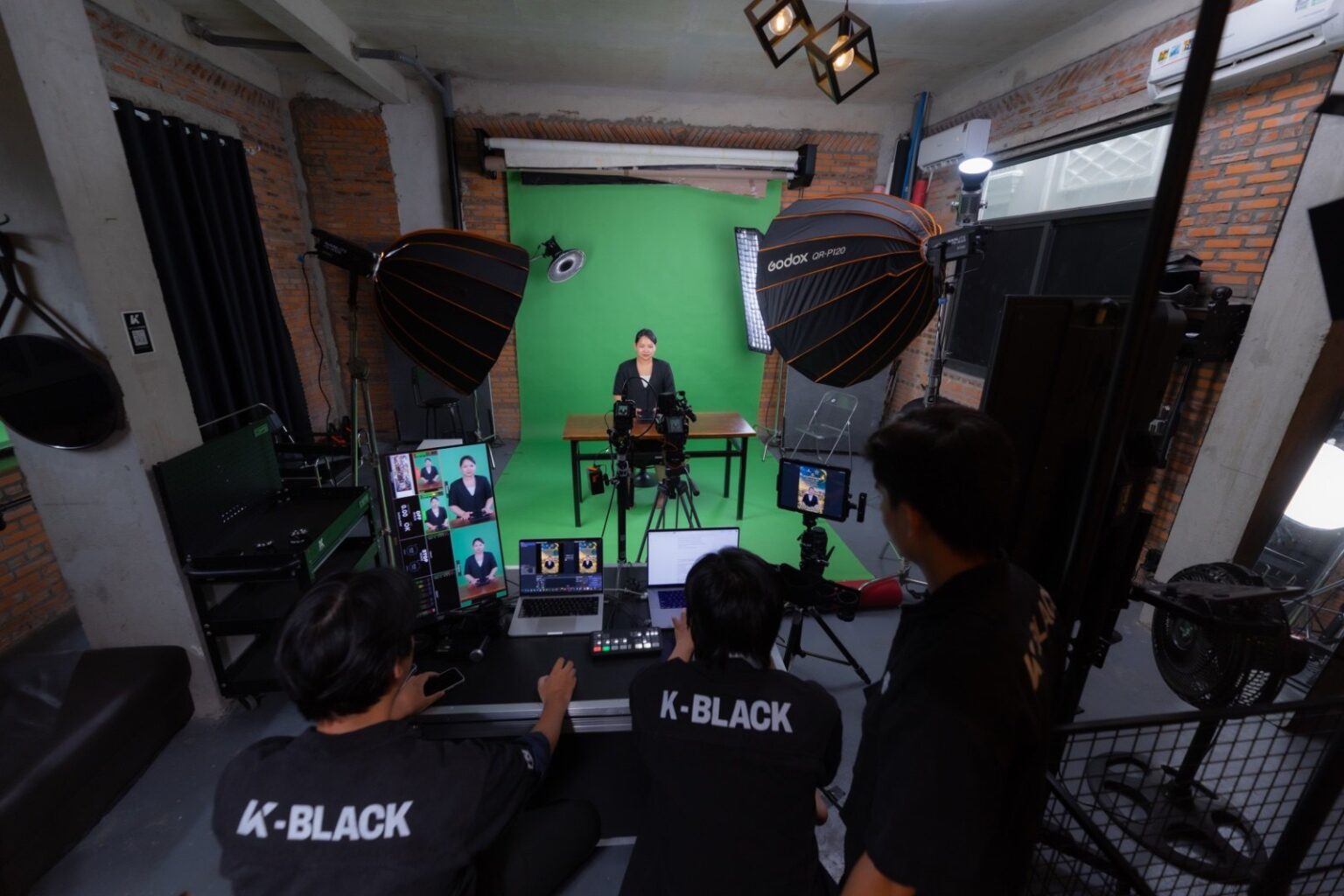
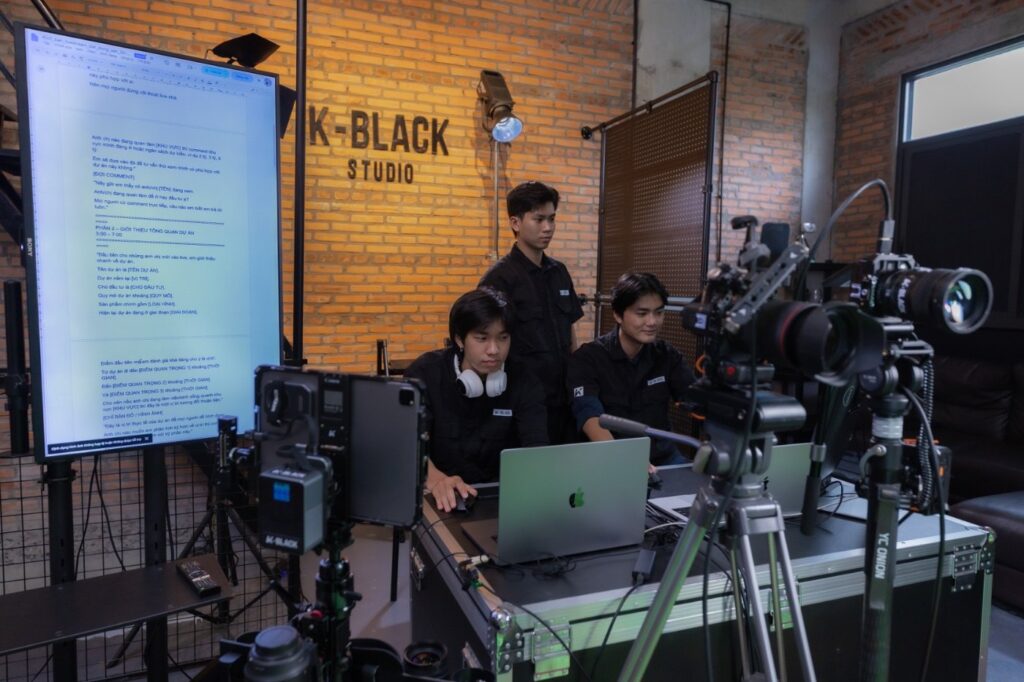
“Full-service” means you only need to take care of the content and the speaker. The technical side – picture, sound, lighting, pushing the signal to the platform – is run by the crew. The session takes place right at K-BLACK studio, M3-06 Manhattan Glory, Vinhomes Grand Park, Thu Duc City, where the set and equipment are already in place.
According to the all-inclusive livestreaming service at K-BLACK, Option A (2 hours) includes:
- A technician operating throughout the live session.
- 2 camera angles switched live – cutting between shots during the broadcast, not one static frame for the whole session.
- Lights, sound, microphones.
- Streaming to Facebook, TikTok, YouTube.
- Duration including 30 minutes of setup.
Two camera angles sound simple, but they're the difference between a live session that “looks shot on a phone” and a show with rhythm. The wide shot holds the setting; the close-up holds the speaker's emotion. Switch at the right moment, and viewers stay longer.
Event livestream prep checklist: a 7-day roadmap
Most live-stream mishaps are predictable. They usually come from preparation crammed into the last minute. A suggested roadmap for the week before your event:
- 7 days out – lock in goals and platforms. Going live to sell, launch a product, host a seminar or run a company event? Streaming on Facebook, TikTok, YouTube, or all three? The answers determine your frame composition and run time.
- 5 days out – write a timed script. Break the live session into segments: opening, main content, interaction, close. Note clearly who speaks, for how long, and when to switch shots.
- 3 days out – prepare your materials. Slides, inserted videos, logos, guest name banners. Send them to the technical crew in advance to check formats.
- 1–2 days out – run a rehearsal. The host reviews the script, tries outfits under the lights and checks access to the streaming accounts.
- Live day – arrive early. With Options A and B, 30 minutes of setup is already included in the package time, but speakers should still arrive early to get comfortable with the mic, their seat and the flow of the script.
Equipment and technical setup: cameras, sound, lighting, connection
Online audiences forgive slightly weak picture. They don't forgive poor sound – and they forgive a frozen screen even less. These are the industry-wide principles for judging a professional livestream setup.
Camera
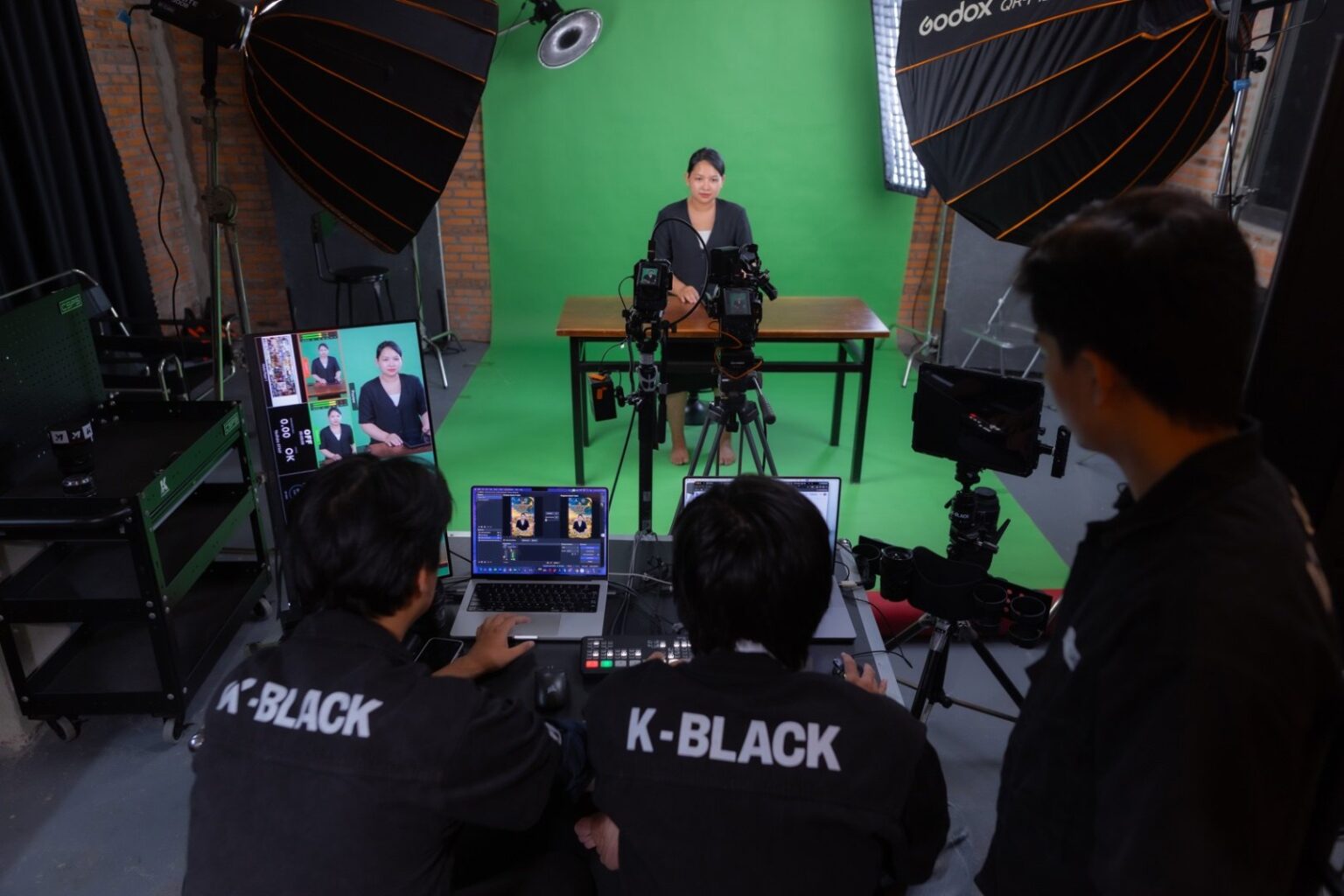
- At least 2 angles: one wide shot, one close-up on the speaker.
- Cameras mounted on fixed tripods to avoid shake.
- Colour and brightness must match between cameras; otherwise every switch feels like jumping to a different show.
Sound
- A dedicated mic for the speaker, not the camera's built-in mic.
- Check the room's echo before going live.
- Always have someone monitoring audio throughout the broadcast.
Lighting and green screen
- Key light placed at an angle in front, soft light so the skin doesn't look shiny.
- Separate the subject from the background with background or rim light.
- Avoid a bright window behind the speaker – the camera will turn them into a silhouette.
With a green screen, the rule is even lighting. A backdrop with patchy light and dark spots makes it hard for software to separate the background; the subject's edges become jagged or lose hair detail. The speaker should also sit some distance from the backdrop so they don't cast shadows on it or pick up green spill on their shoulders and hair – that's what it takes for a clean key.
Connection
- Prefer a wired connection over Wi-Fi: more stable, with fewer dropped packets mid-stream.
- Keep a backup connection ready to switch to if the main line fails.
- Test your upload (not download) speed before going live, and set the stream quality below what the network can handle to leave a safety margin.
Common livestream mistakes and how to avoid them
You don't need the most expensive gear for a good live session. You just need to avoid these mistakes.
- No rehearsal. Account errors, the wrong vertical–horizontal frame, forgotten streaming permissions only surface once you're live. How to avoid it: test at least once beforehand.
- An overly dense script. The speaker reads it like a document and loses all energy. How to avoid it: write the key points and leave room for natural speech.
- One frame for 2 whole hours. Viewers leave after a few minutes. How to avoid it: use multiple camera angles and insert materials at the right rhythm.
- Forgetting interaction. Comments scroll by with no one answering. How to avoid it: assign someone to read and filter questions.
- Camera-unfriendly outfits. Fine stripes cause visual noise; in front of a green screen, avoid green clothing. How to avoid it: choose solid colours and test under the lights first.
- An abrupt ending. No call to action, no contact information. How to avoid it: prepare the close as carefully as the opening.
Livestream in-house or rent a studio?
There's no universal answer. Only the answer that fits the scale and importance of your event.
Going live in-house suits short, frequent sessions with a familiar audience that accepts good-enough quality. In exchange, you need someone technically savvy, your own equipment, and you bear all the risk if something goes wrong.
Renting a studio and crew makes sense when the event is tied to your brand image: product launches, client seminars, shows with guests. You get a space already set up with lighting, sound and operators – your team focuses solely on content.
If you already have your own crew and only need the space, see studio rental for photography, TVC shoots and livestreams in Thu Duc. If you only need someone to record the event, the hourly cameraman package is the leaner choice. For an overview of the process and pricing from another angle, read full-service online event livestream: pricing and process.
Full-service livestream rates by duration
Pricing is divided by session length so you can pick the right scale for your event. Option A details are listed at the start of this article; below are the official rates:
| Package | Duration | Price | Notes |
|---|---|---|---|
| Option A | 2 hours | 4,000,000 VND | Includes 30 minutes of setup |
| Option B | 4 hours | 6,000,000 VND | Includes 30 minutes of setup |
| Option C | Full day | 9,500,000 VND | 8 hours |
Quick picks:
- Option A – sales sessions, short talk shows, compact product launches.
- Option B – multi-part seminars, shows with guests.
- Option C – long events with multiple sessions in a day.
Want a recap video or short clips to use after the live session? See video production costs to plan it all end to end.
FAQ
Where does the live session take place?
At K-BLACK Studio, M3-06 Manhattan Glory, Vinhomes Grand Park, Thu Duc City, Ho Chi Minh City.
Is setup time counted in the live hours?
With Option A and Option B, 30 minutes of setup is included in the package time. Option C is an 8-hour session – please discuss details when booking.
Which platforms can we stream to?
Facebook, TikTok and YouTube.
What are the studio's hours?
8:30 – 17:30 daily. Outside these hours, please book an appointment in advance.
If we do something at all, we go beyond expectations.
If your upcoming event deserves a polished broadcast, book a full-service livestream at K-BLACK or message us directly via Zalo 0367 277 935. Studio: M3-06 Manhattan Glory, Vinhomes Grand Park, Thu Duc City, Ho Chi Minh City.